 SLON Privacy
Telegram Unavailable? How to Sign In and Pay for Your Subscription
If Telegram is temporarily unavailable, you can still sign in to your Slon Privacy account, manage your subscription, and restore access using one of the options below.
The most reliable option is to link an email address to your account in advance. This way, you can still sign in and pay for your subscription even if Telegram is unavailable.
Sign in with Email
If you have already linked Email to your Slon Privacy profile, sign in on the website without using Telegram.
Once signed in, you can check or renew your subscription and connect a new device.
Connect a proxy for Telegram
If you have not linked your email yet, try restoring access to Telegram using the Slon Privacy MTProto proxy.
Tap the link below. If Telegram is installed on your device, the app will offer to add the proxy automatically.
If the link does not work, copy it and open it manually:
tg://proxy?server=130.49.185.95&port=33443&secret=2d52f5754605c47237b483cd092be6b3
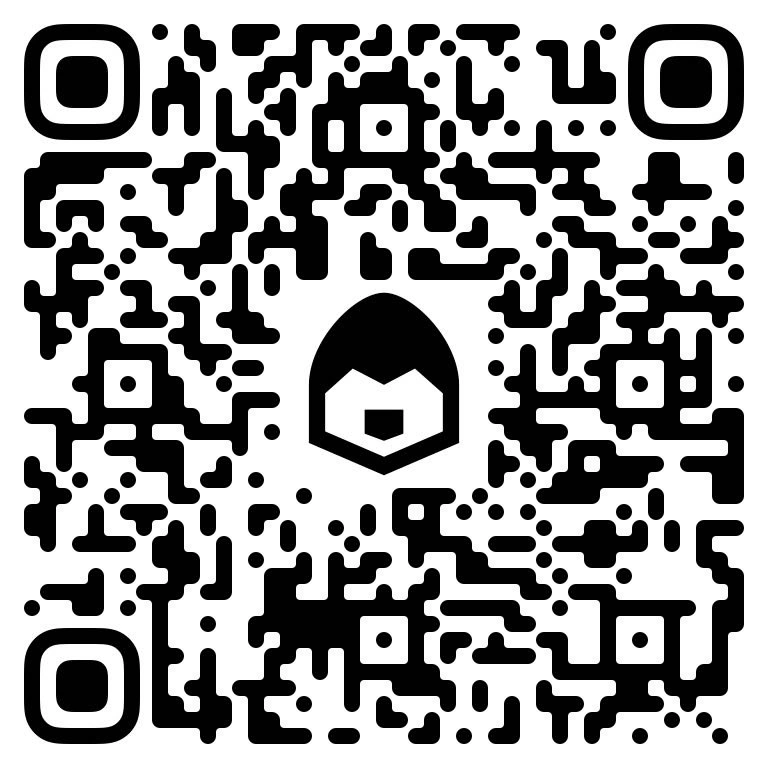
QR code
Show QR code
Scan the QR code with your phone's camera to connect the proxy in Telegram.
If the proxy does not help
Create or open an account using your email address and use Slon Privacy to restore access to Telegram.
- Open your account and sign in with Email.
- Activate the 3-day free trial if it is still available for your account.
- Install Slon Privacy and connect to a server.
- Open Telegram and restore access to your account.
- Once signed in, link Telegram and Email to the same account.